
Client questionnaire
The secure client questionnaire that stays open until you're ready to draft
Full picture
Gather the full picture about your clients
Everything you need from a client goes in one questionnaire, not a stack of forms, emails and attachments.
- The people in their life: spouse, children, relatives, friends
- Their financials: every account, property, debt or policy
- Document uploads like a driver's license or their prior plan
- Your own questions to better understand their situation
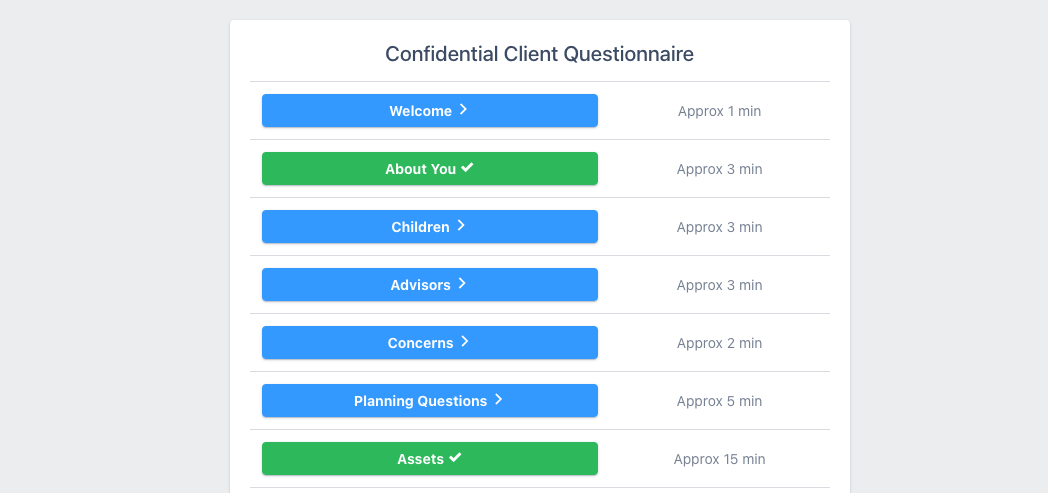
Gather info over time
Clients can add more info later, even after meeting with you
The questionnaire auto-saves and clients can sign back in after the meeting to add what you discussed, like the successor trustee's address or the lake house that came up at the end. Submitting tells your staff they're done for now, it doesn't lock them out from making further updates.
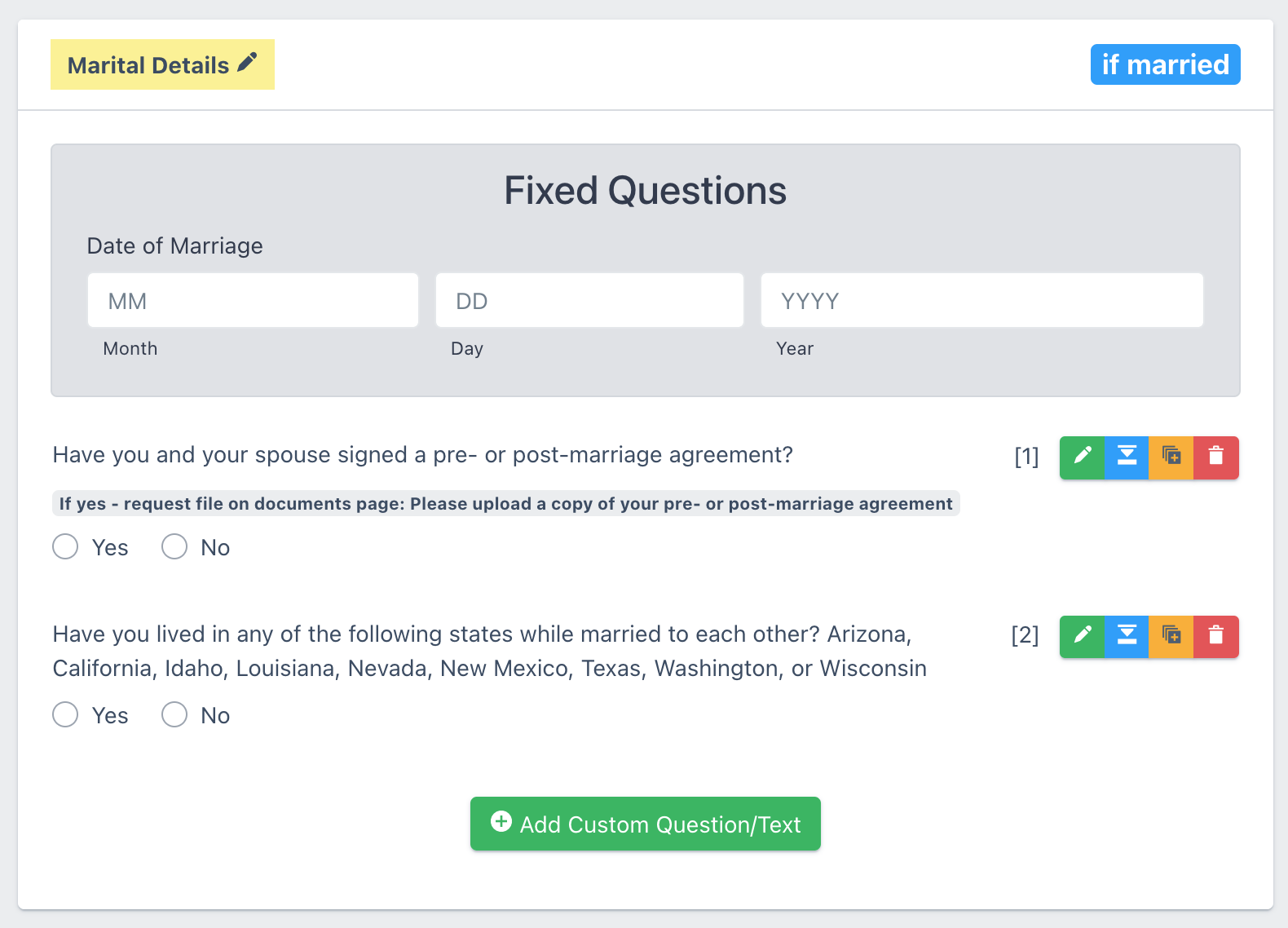
Make it yours
Customizable questionnaires
When you start a free trial, the system sets up a basic estate planning questionnaire in your account that's comprehensive enough to immediately send to a client. You can customize it and change or add questions and sections. Or send us a copy of your current questionnaire and we'll replicate it for you.
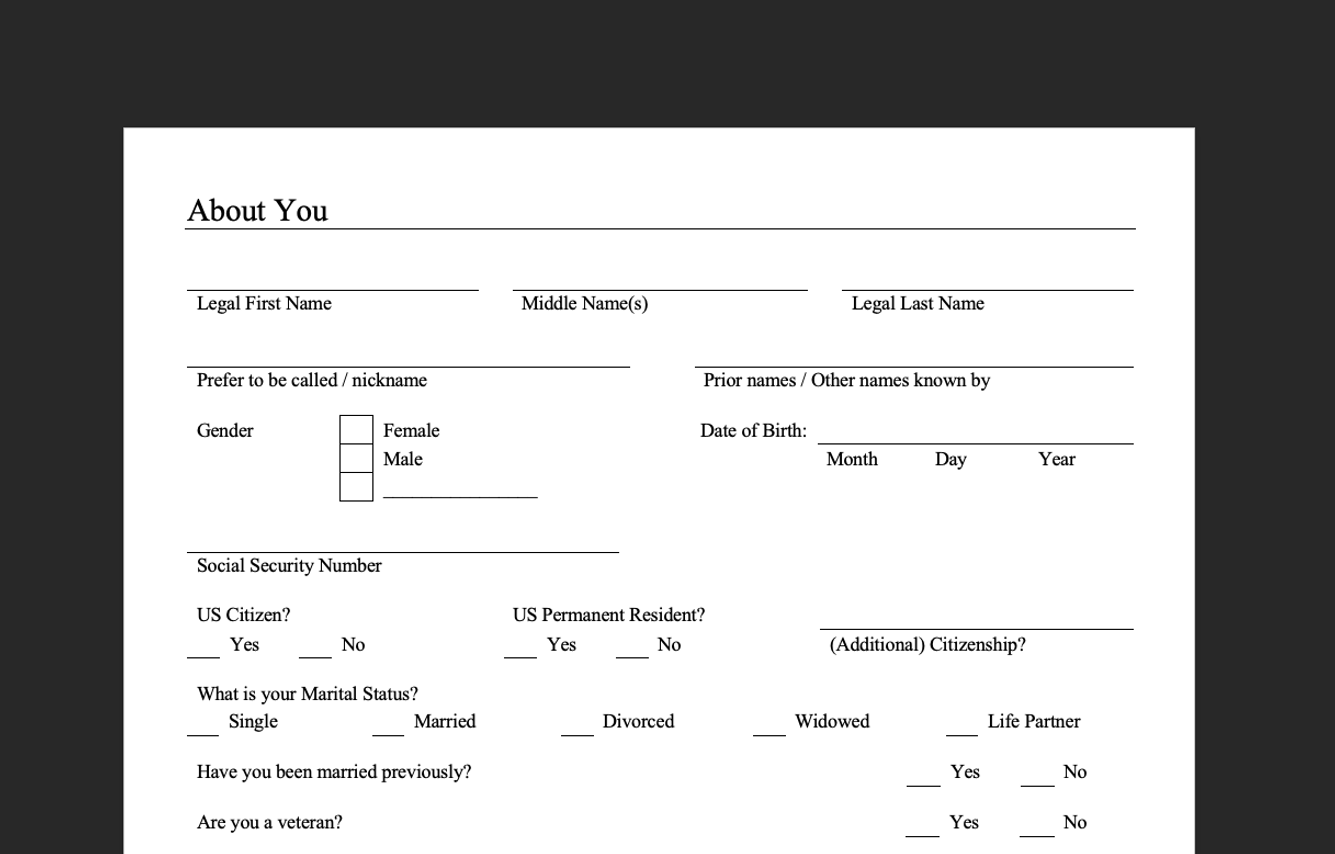
Paper fill-in questionnaire export
A printable version for clients who prefer paper
Not every client wants to or is able to fill in a questionnaire online. You can export a fill-on-paper version of the questionnaire they could do on paper. It has all your custom questions and is in the exact same order as the online one.
Fits your practice
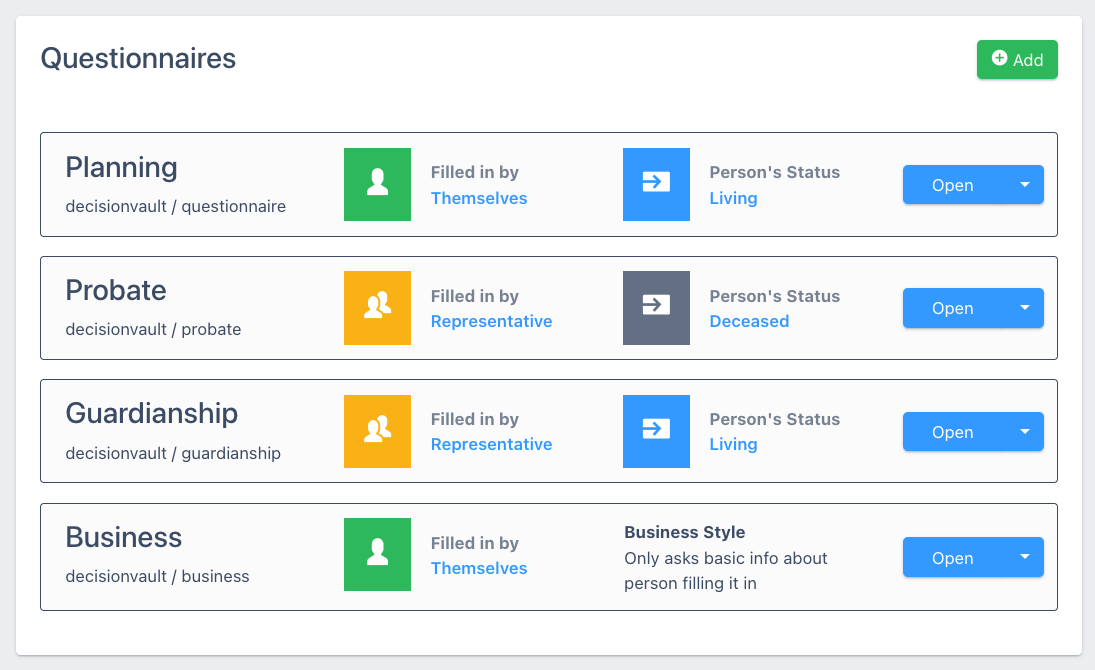
Add your other practice areas
Add a questionnaire for each practice area of your firm, such as probate, trust administration, elder law or business intake. Each has its own link, questions and document requests, and clients only see the one you send them.
We also have a Spanish version available in several of our questionnaire templates.
Frequently asked questions
Can clients pause and come back later to finish up?
Yes. Clients save as they go, submitting doesn't close the questionnaire. They can come back in, even after the design meeting. You can (and should) lock them out if you go into drafting, and can re-open access in the future to do updates.
Do clients need to create a password?
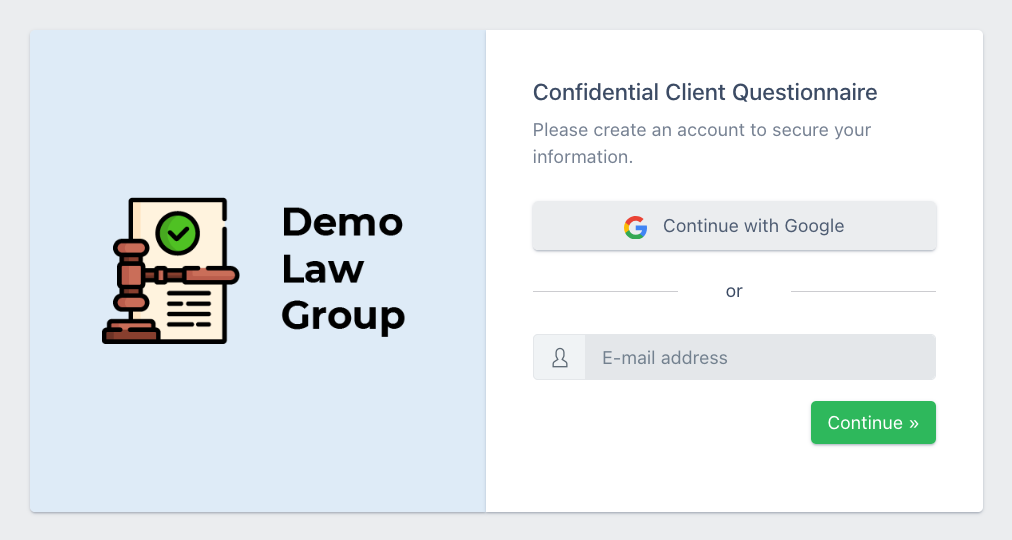
No. Clients enter their email address and get emailed a "magic link" which signs them in. A client who prefers a password can set one, and add two-factor authentication if they want. It's also possible to sign in with Google.
Single sign-on is available on the Enterprise tier.
Can both spouses work on the same questionnaire?
Yes. You can invite both with their own login to the matter. They share the same questionnaire, so either one can add or correct information.
Can we add our own questions?
Yes. You can change the wording, add questions and sections, and hide what you don't use. It's also possible to hold back a portion of the sections until the client goes through the questionnaire at least once, or make a section conditional on an earlier question (e.g. "Do you have a business?" If yes, show a section with questions about the business).
Send us your current questionnaire and our support team will build it in for you.
Does it work on a mobile phone?
Yes, the full questionnaire works in a mobile browser. Clients can start on a phone and finish on a computer, or the other way round.
What about clients who are unable to use a computer?
You can export a printable fill-in version of the questionnaire. This will have all your custom questions, and is in exactly the same order as the online questionnaire. When the client returns it to your office a staff member can enter the answers and the matter information can then be used like any other.
Is the questionnaire available in other languages?
Yes. The first language that we have available is Spanish, and we plan to add more in the future. This turns the whole client experience into Spanish, from the sign-in email to the last question, while your staff screens stay in English.
In which regions is DecisionVault available?
We host the application in region, and have it available in a US region and a Canada region.
Can we use it for probate or other practice areas?
Yes. Firms typically run estate planning alongside probate, elder law or business questionnaires. Each questionnaire has its own link and its own setup.
Can clients navigate between questionnaires?
Clients can have access to multiple questionnaires (of the same kind, or different) from the same login. They can switch from the Client Workspace screen once logged in.