
Meeting templates
Record the decisions from the design meeting on a reusable meeting template
Built on the questionnaire
Document the decisions made in the meeting
A meeting template is like an attorney-only section of the questionnaire, continuing from what the client already entered. Embed questions and answers from the questionnaire, and see a list of the client's children and assets. Then record the decisions made in the meeting.
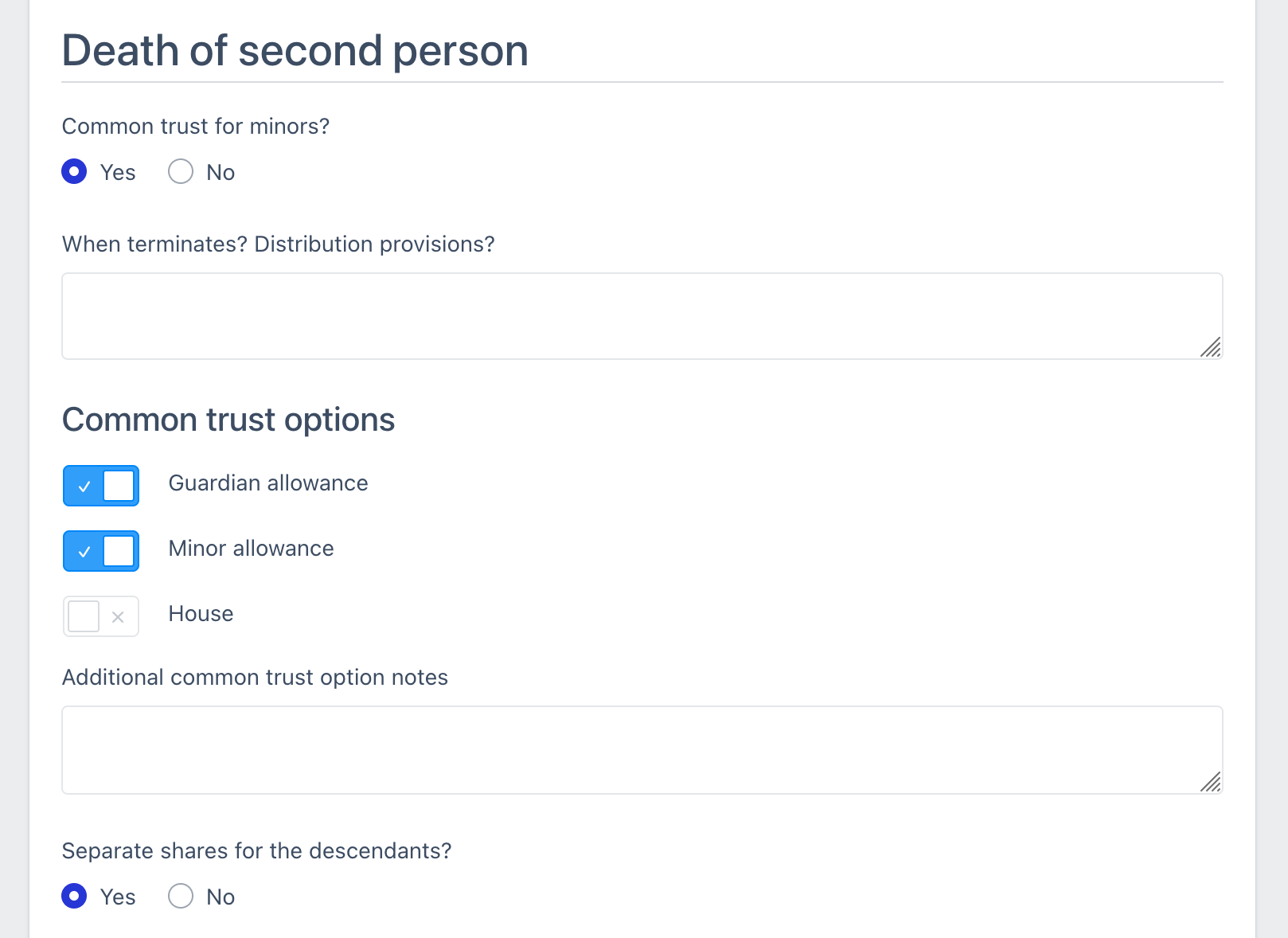
Screen or paper
Select on the screen, or fill in on paper
Run your meetings the way you prefer. Bring a laptop, write on the exported meeting template on an iPad, or print it and write on it by hand.
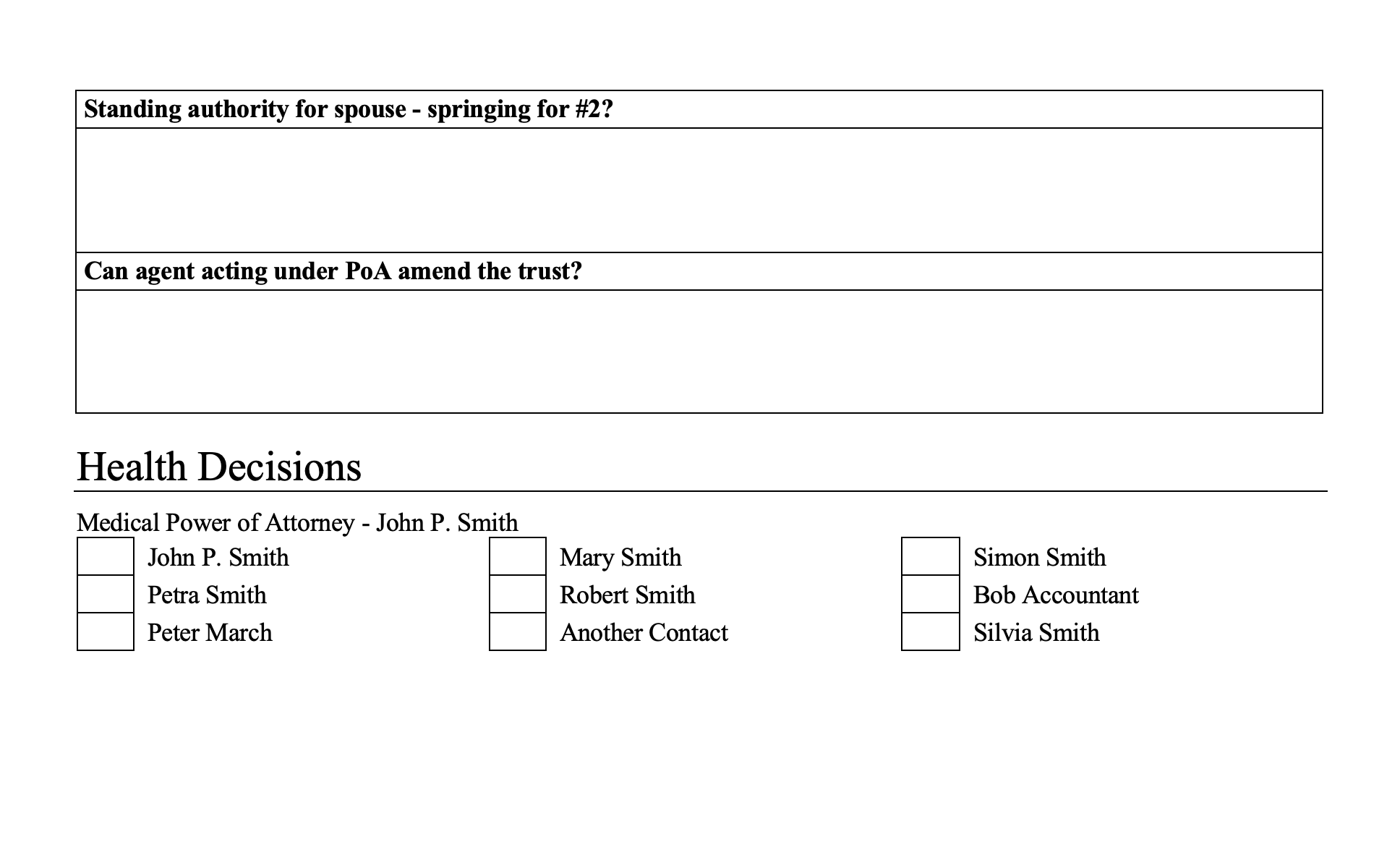
Drafting handoff
Clear handoff to drafting
As your practice grows, the person doing the drafting often wasn't in the meeting. The filled meeting template carries the decisions in the same structure for every matter, so the drafter works from consistent inputs, even when several attorneys run meetings.
The right tool for the job
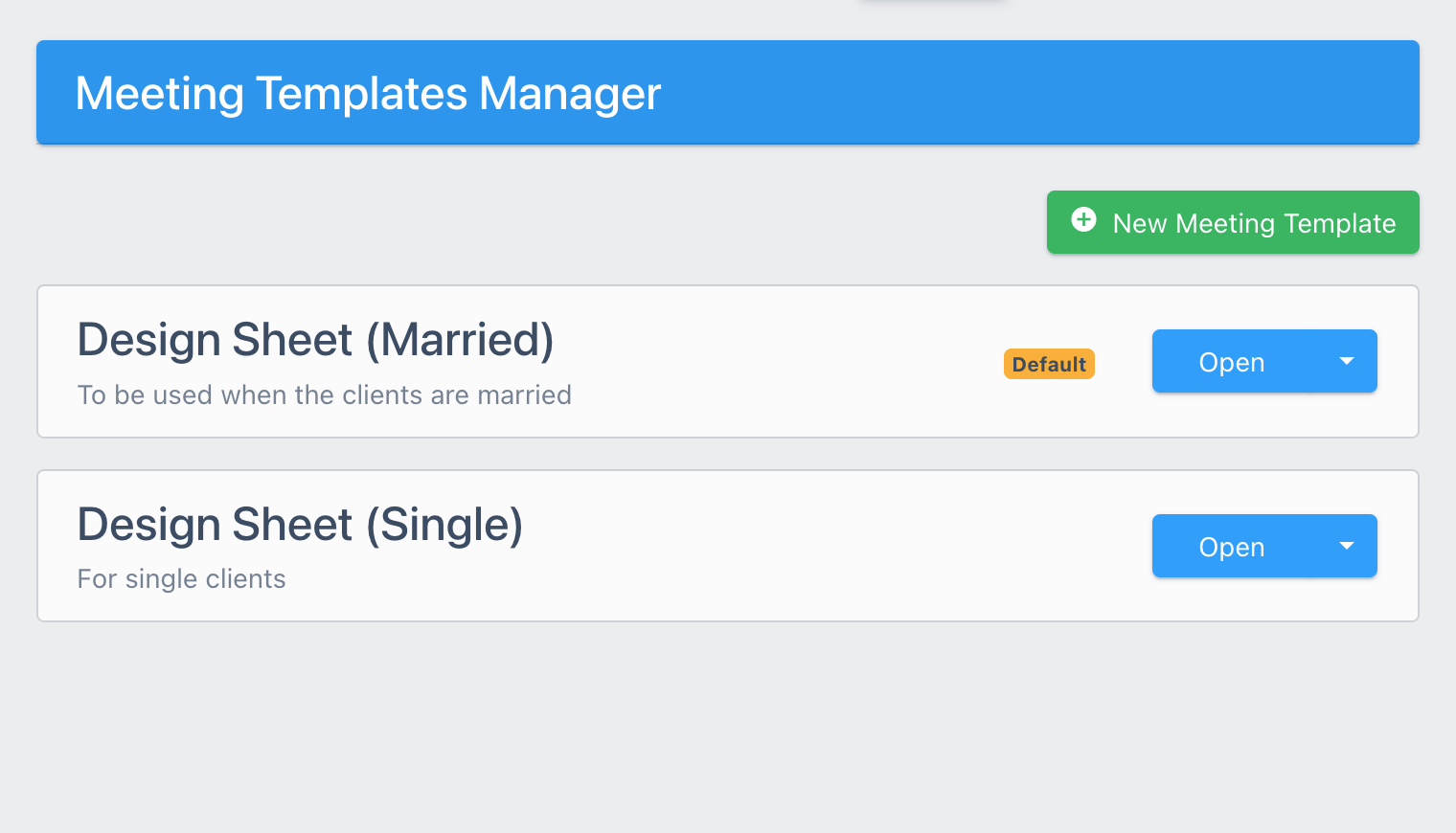
One questionnaire, several meeting templates
Build up to 10 meeting templates under each questionnaire, to cover different family situations or to split out certain topics. Single clients and married couples can each have their own, and an ILIT planning conversation can get a shorter template of its own.
Frequently asked questions
Who can use the meeting templates / design sheets? Can I send them to the client?
No, they're on a screen that's only accessible for the firm. Clients never see it, it's meant as an internal tool to facilitate the handoff to drafting.
Who builds the templates?
The firm admin can set them up. Every questionnaire starts with an example one you can adapt to follow, or build your own.
Can a questionnaire have more than one template?
Yes, a questionnaire can have up to 10 meeting templates / design sheets. The usual setup is one for single clients and one for married couples doing planning together.
How are roles like successor trustee or guardian assigned?
In the template, you pick from the contacts the client already entered and set the order of succession.
Can we use it on paper?
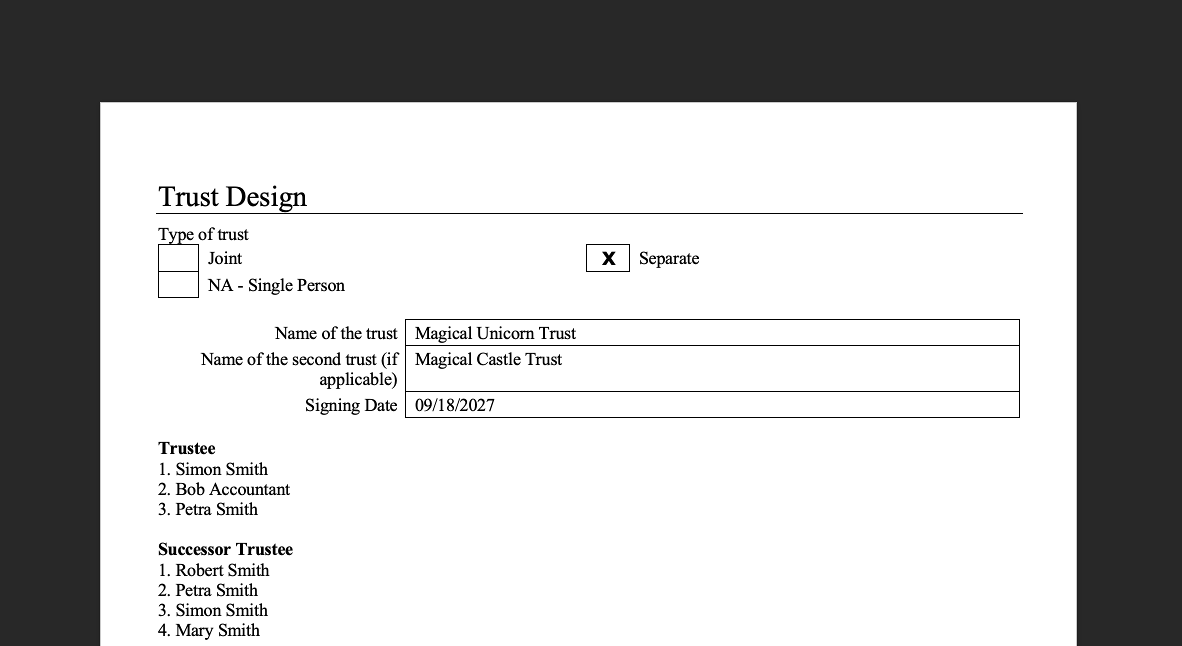
Yes, you can print a fill-in version. It will have the client's names, all your checklist questions, and folds in the name of all the contacts on the questionnaire for the role picker questions.
How does the drafter get access to the meeting template / design sheet?
They can open it in DecisionVault, use the Word export of the completed design sheet, or load it through the API or MCP server.
Can we use it for probate meetings?
Yes. A meeting template belongs to a questionnaire, so your probate questionnaire can have its own.